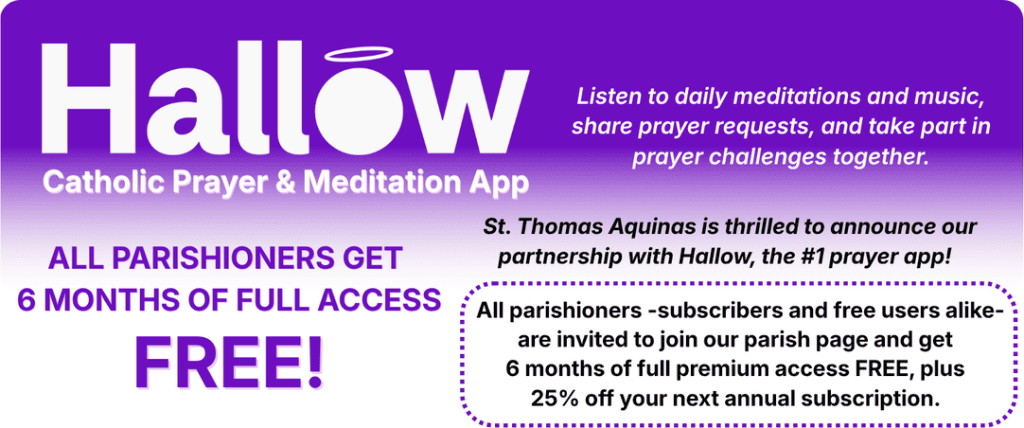
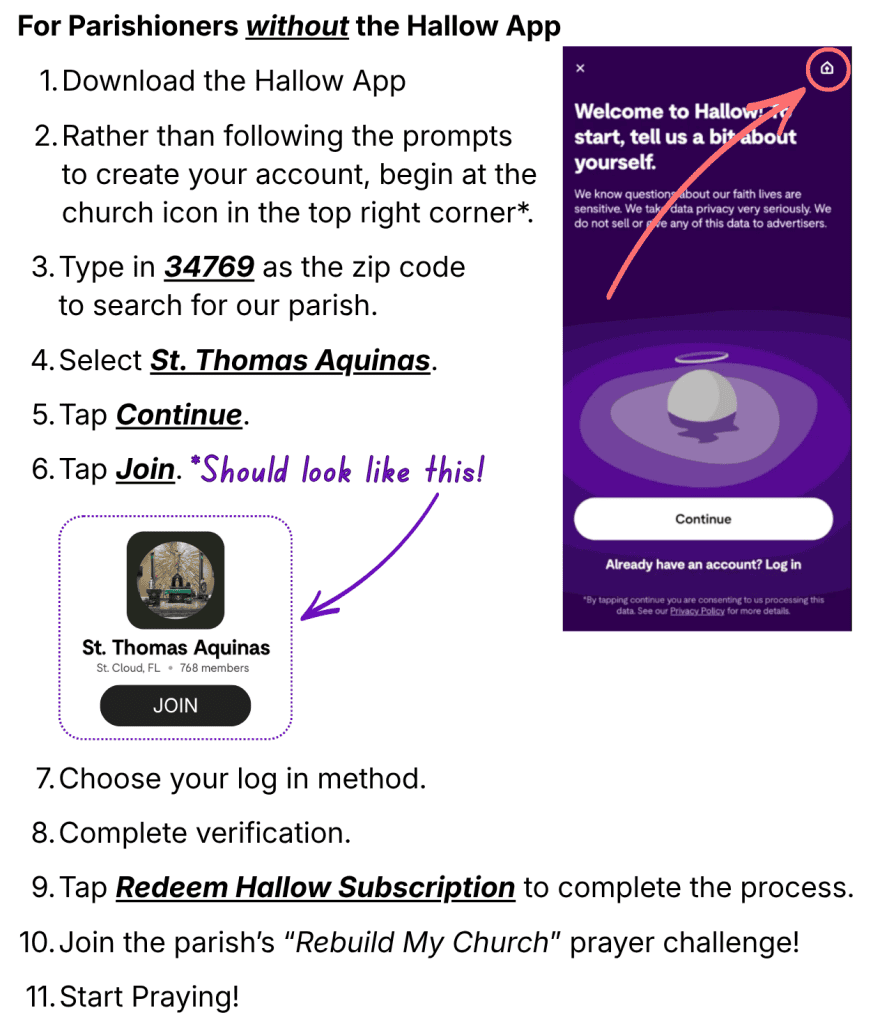
Click here if you do not have the Hallow App
Click here if you do have the Hallow App (Free version or Subscription)
Existing Customers but New Subscribers (You have the free version)
- In the Church tab in the bottom menu, search for our parish page by zip code 34769 and Join.
- Tap the Claim Subscription (in purple letters) at the top of the parish page.
- Fill out your information for the six-month trial and discount to be applied to your account.
Already-Existing Subscribers
- Cancel your current subscription (this does NOT delete your account or prayer history).
Click here to cancel your current subscription.
When your subscription ends and your account downgrades:
- Return to the parish page (the Church tab in the bottom menu).
- Tap Claim Subscription (in purple letters) at the top of the parish page.
- Fill out your information for the discount to be applied to your account (the six-month trial will not apply for previous subscribers).
Customer Support
If you have any issues getting someone set up on the app, please ask them to reach out to parishsupport@hallow.app. We have an incredibly talented support team that responds to parish partners with super high priority. We look forward to praying with you!
Related Help Articles
- My parish just partnered with Hallow. What does this mean?
- How do I join my church in the Hallow app?
- How do prayer challenges work on my parish page?
- Overview of the Church Tab
- Church Tab FAQs
- How do I redeem my parish deal?
- How do I cancel my subscription or free trial?
- How can I tell if I’m subscribed?
- Sharing & Activity in the Hallow app